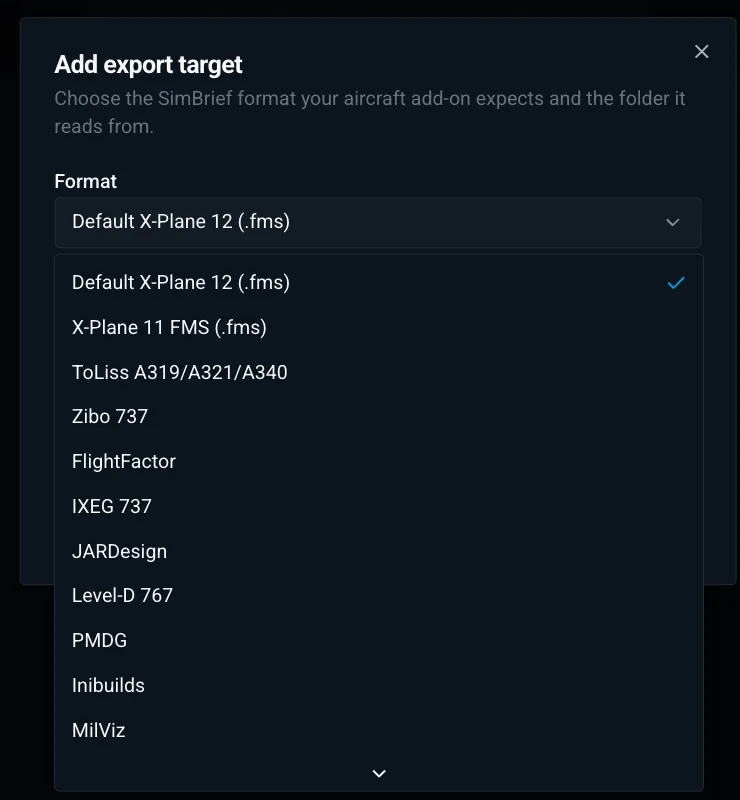
One click from SimBrief to X-Plane
Generate the flight on simbrief.com as usual. X-Dispatch picks it up from there.
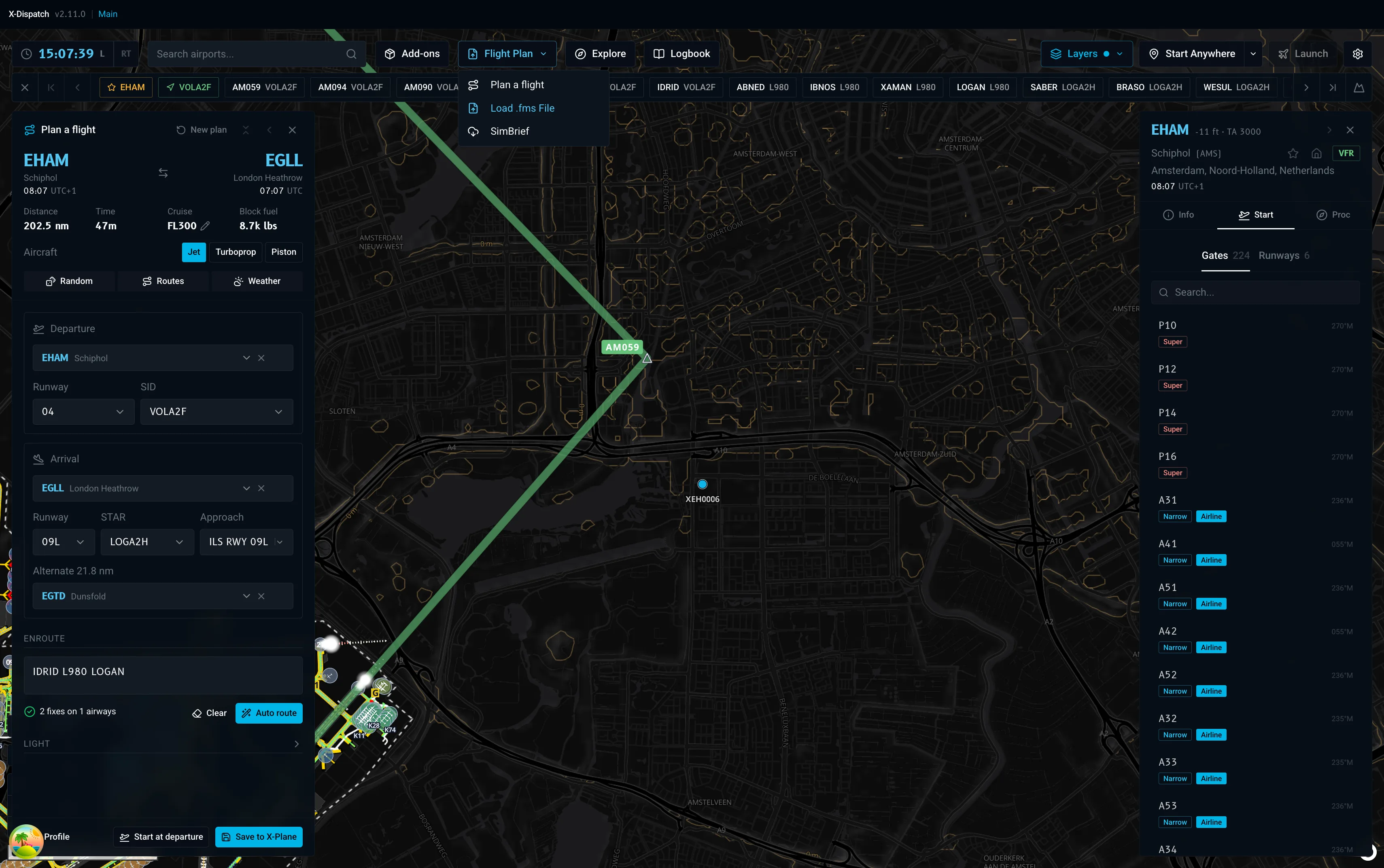
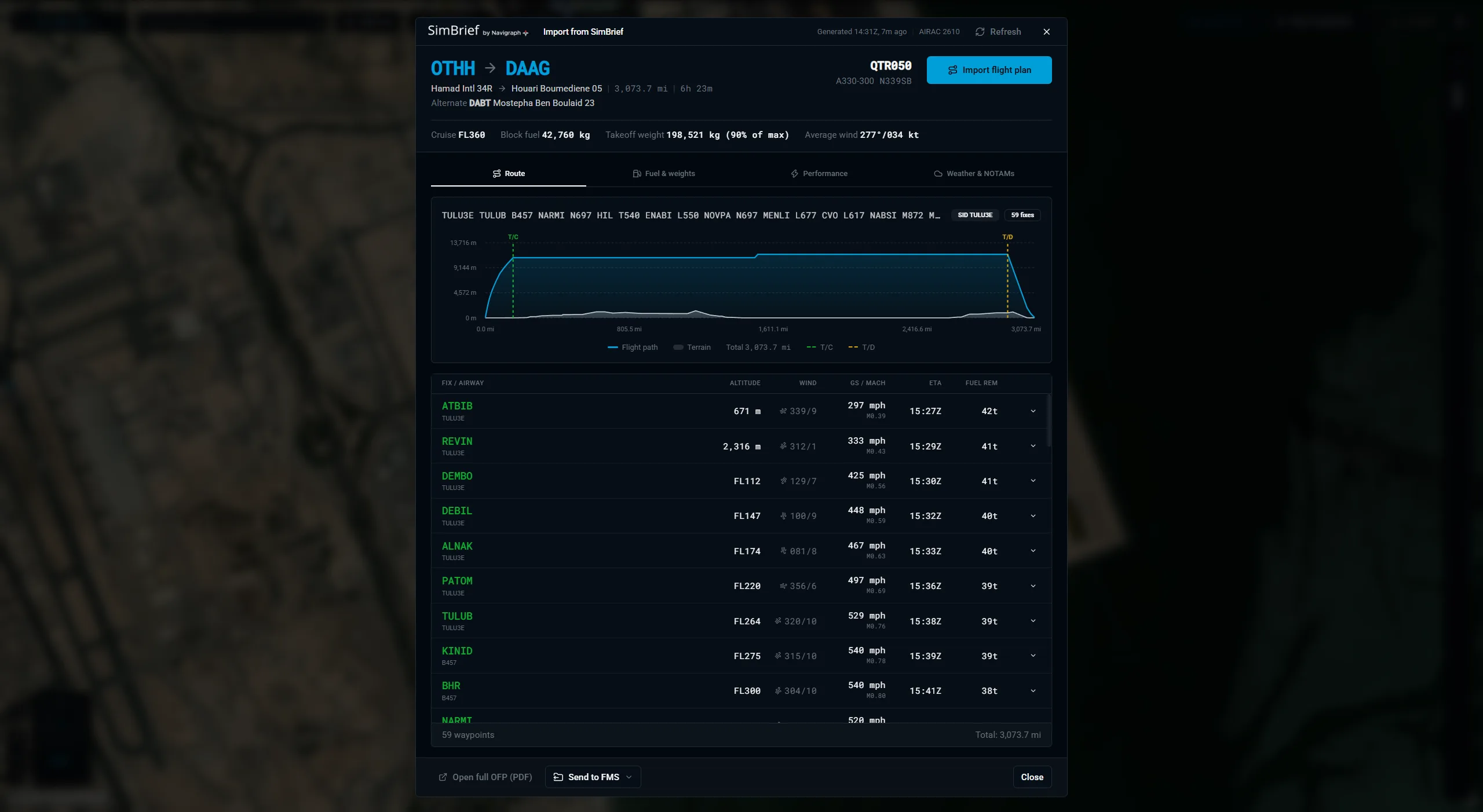
- Open Flight Plan, SimBrief in the toolbar, or press Ctrl+Shift+I. X-Dispatch fetches your latest OFP and shows when it was generated and which AIRAC cycle it uses.
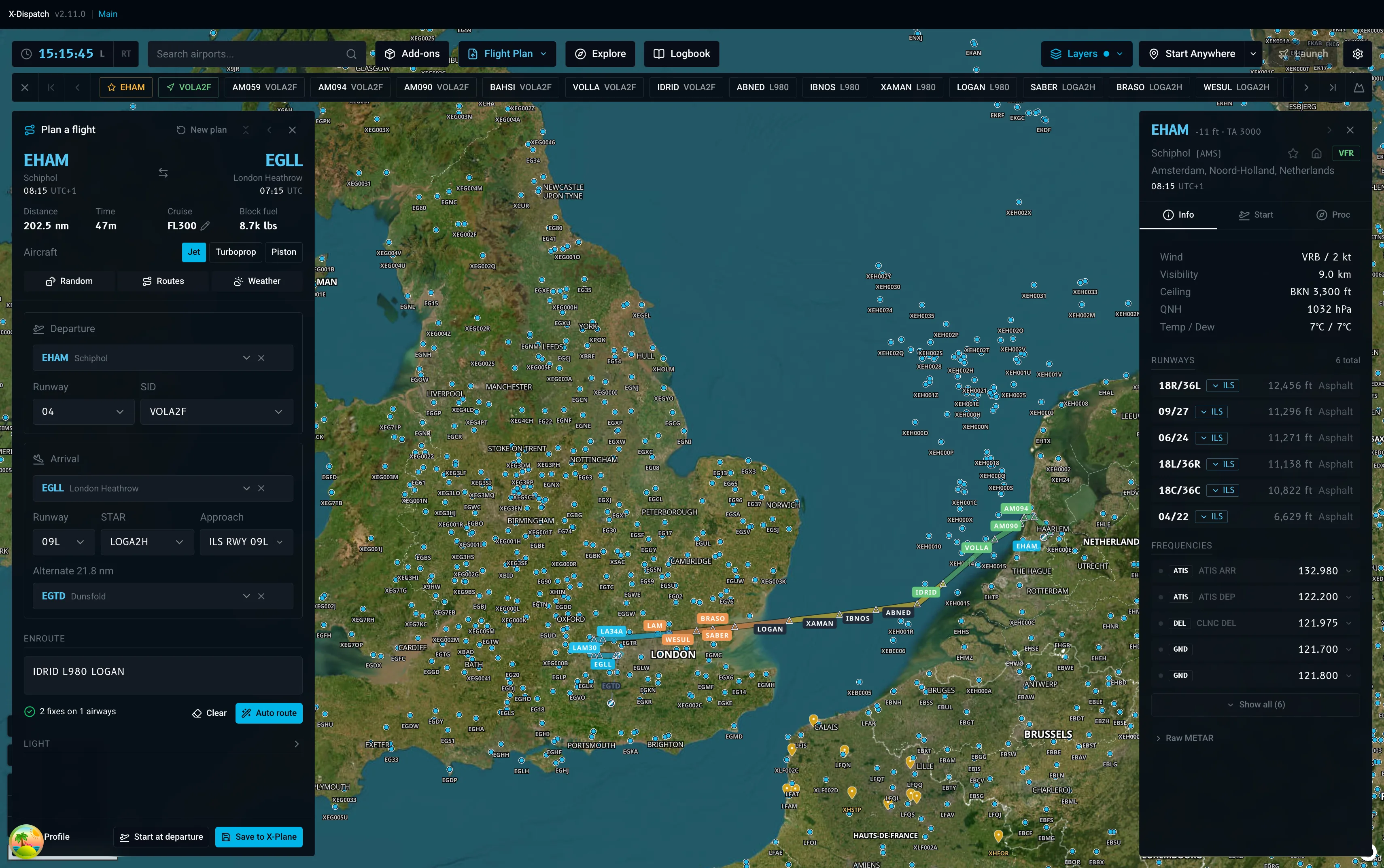
- Press Import flight plan and the route lands in the planner and on the map, SID, STAR, airways and oceanic tracks in their own colours.
- Changed the plan on SimBrief? Press Refresh. The planner, vertical profile and flight plan bar update with it.
- Set up once under Settings, SimBrief with your username or numeric Pilot ID. A Test button tells you it worked.